
HTML5 & CSS3

A card can appear in a wide main column on one page and a narrow sidebar on another. A media query sees the viewport; a container query lets the compo...

HTML can catch several common form mistakes before a request is sent. The browser can tell a user that a required field is empty or that a value does ...

A small HTML table does not need a search library. Read the search field, compare it with the loaded rows and hide rows that do not match. The importa...

Tabs let related sections share the same area of a page. They work well for short alternatives such as an overview, installation notes and examples. T...

A modal is useful when a short task needs the reader's attention without leaving the page. A dark overlay alone does not make a component modal: keybo...

Do not choose a form control only by its appearance. Decide whether the user should send one value, a longer explanation, or one of a fixed set of opt...

Choose between Flexbox and Grid by asking how items should align, not which feature is newer. Content widths often drive a button group; a card list m...

If a page looks fine on a desktop but shows tiny text or horizontal scrolling on a phone, separate two problems: the browser's viewport and the CSS la...
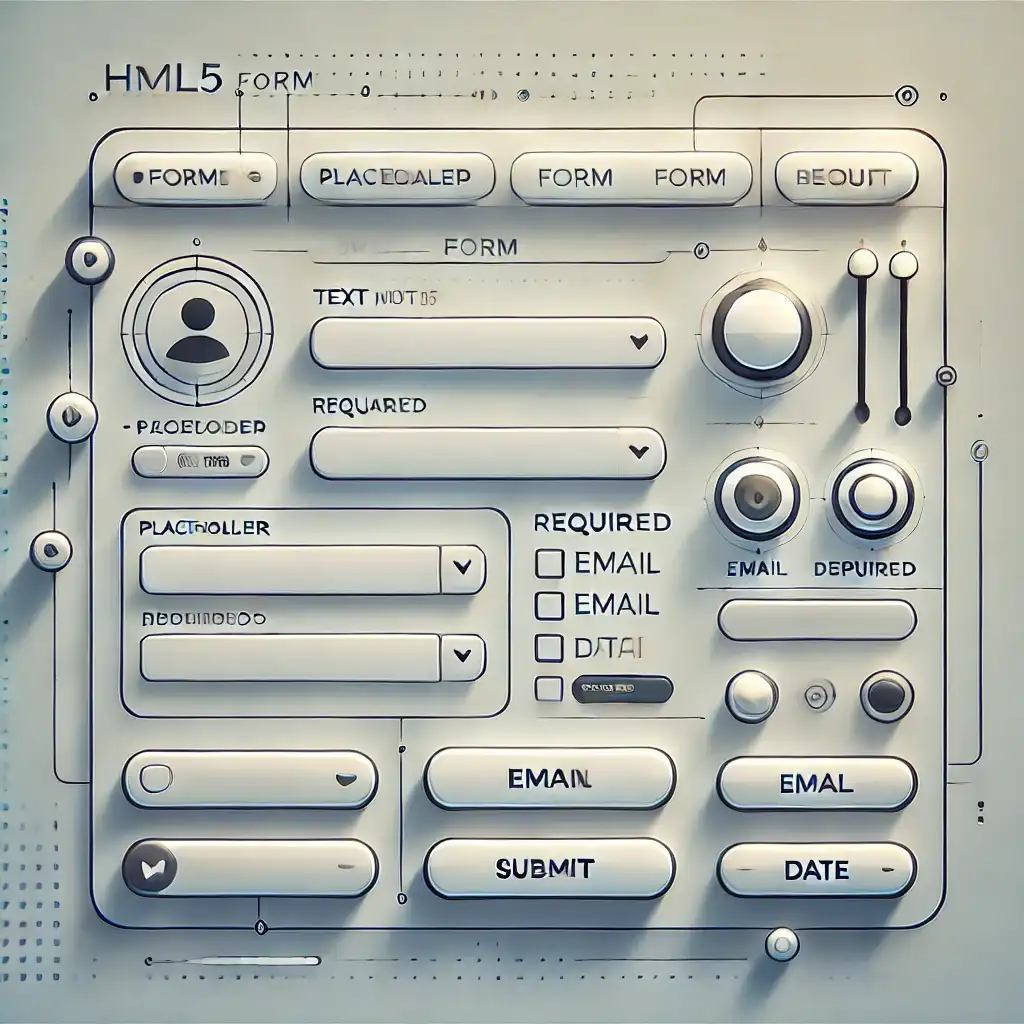
Today, forms are an essential component of websites. Whether it's a registration form, a feedback section, or even an order page, forms are one of the...

Modal popups on websites are frequently used to grab user attention, display forms, or trigger specific actions. For instance, login forms, alert mess...
Sponsors



Apps